Disciplines
Tree Felling
Fitting another chain
Bucking by Combined Cuts
Precision bucking
Limbing
Screenshots
← Swipe to see more →
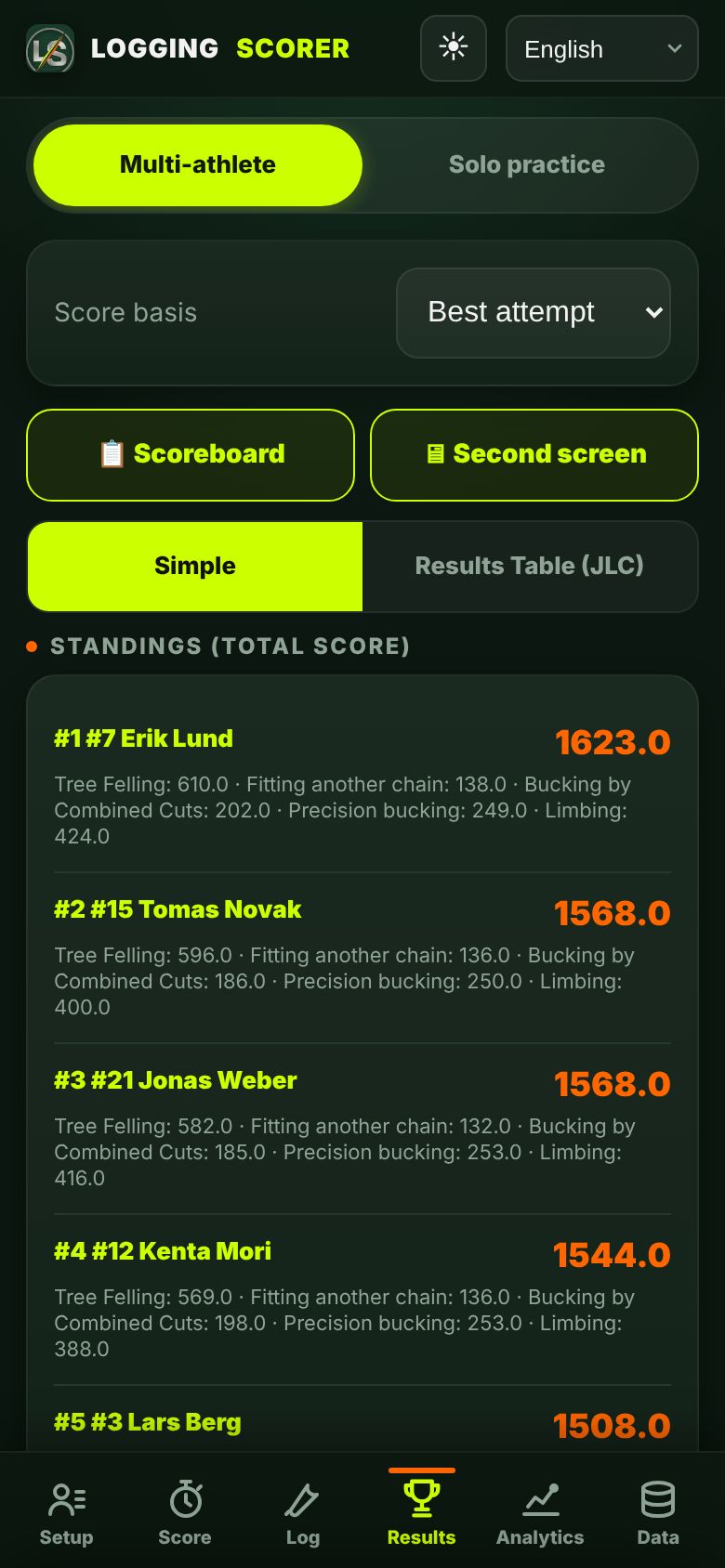
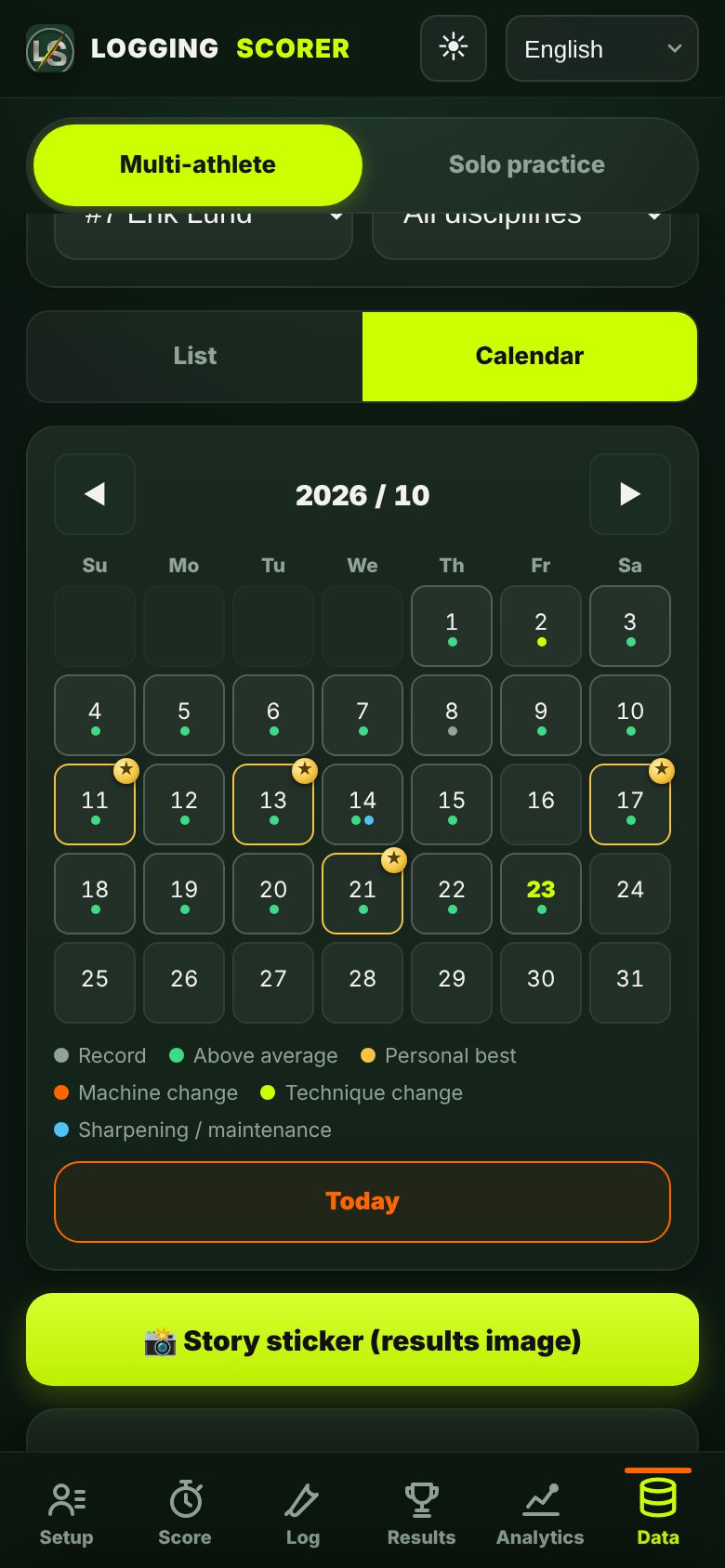
How it works
① Add athletes
Enter a name and team to add an athlete.
② Pick a discipline and record
Choose one of the 5 disciplines and record time and measurements by stopwatch or manual entry.
③ Automatic scoring
Scores are calculated from your entries according to the point rules.
④ Review results and analysis
Check overall standings, export CSV and analyse each athlete's training data.
Use it as an app (Add to Home Screen)
No app store needed. Open the app from the button in your purchase email and add it to your Home Screen — it then opens from an icon like any app and works with no signal in the field.
Android (Chrome)
- Tap “⋮” (three dots) at the top right
- “Add to Home screen” or “Install app”
- Tap “Install”
iPhone / iPad (Safari)
- Tap the Share button (square with ↑)
- Scroll down to “Add to Home Screen”
- Tap “Add” at the top right
The first time you open it from the icon, you may need to enter your license key again (it's in your purchase email).
Windows / Mac (Chrome / Edge)
- Open the app in Chrome or Edge
- Click the install icon at the right end of the address bar, or open the menu (⋮ / …) and choose “Install”
- It opens in its own window. With a second monitor, “🖥 Second screen” shows the live ranking there.
Mac with Safari: menu “File” → “Add to Dock”.
If you opened this page inside Instagram or LINE, choose “Open in browser” from the “…” menu first.
Features
Scoring based on the rulebook's point system
Designed on the scoring rules of the international chainsaw-sport rulebook. An independent tool, not affiliated with any competition organiser.
Works offline
Record and save on the spot, whatever the signal at the venue. Data stays on your device and backs up automatically when you're online.
Stopwatch or manual entry
Time it live with the stopwatch or enter times afterwards — switch any time.
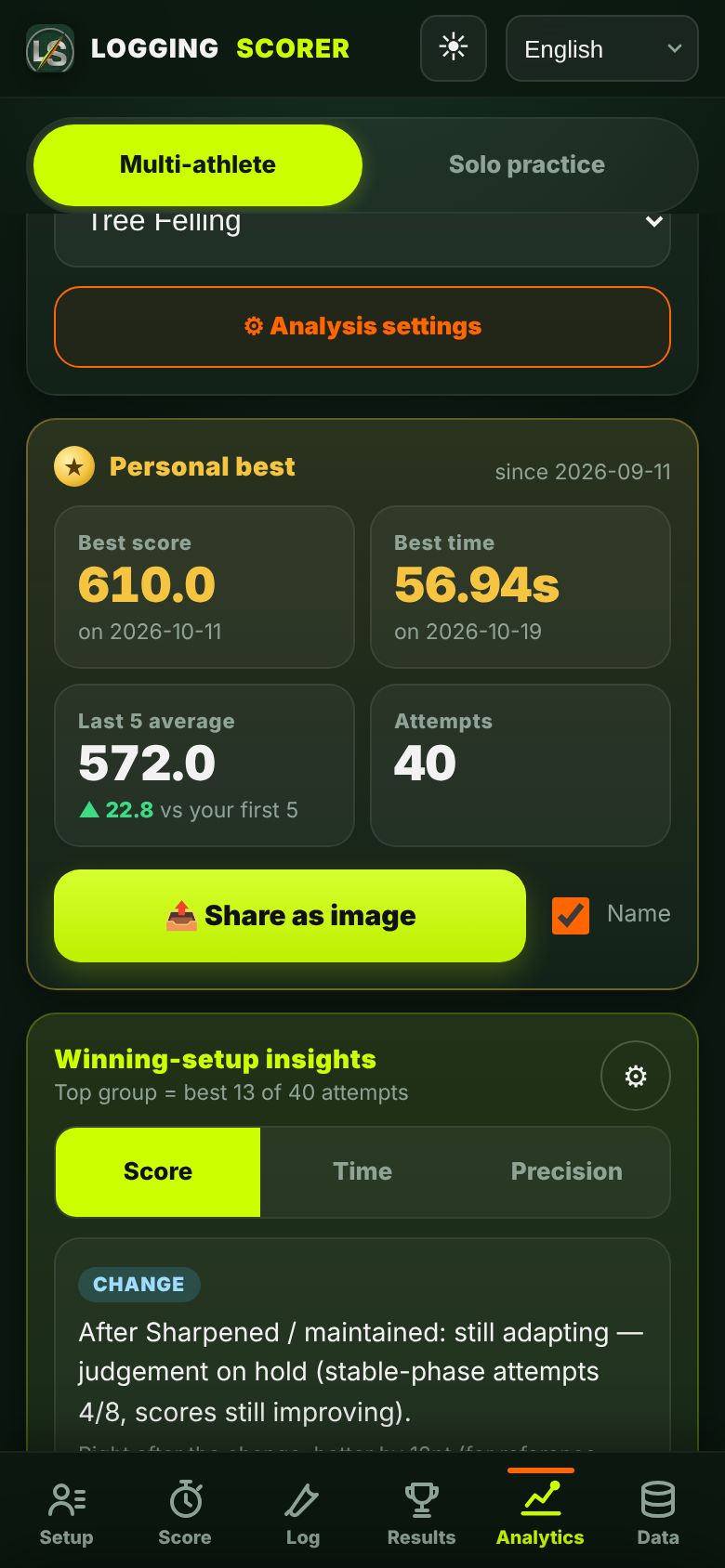
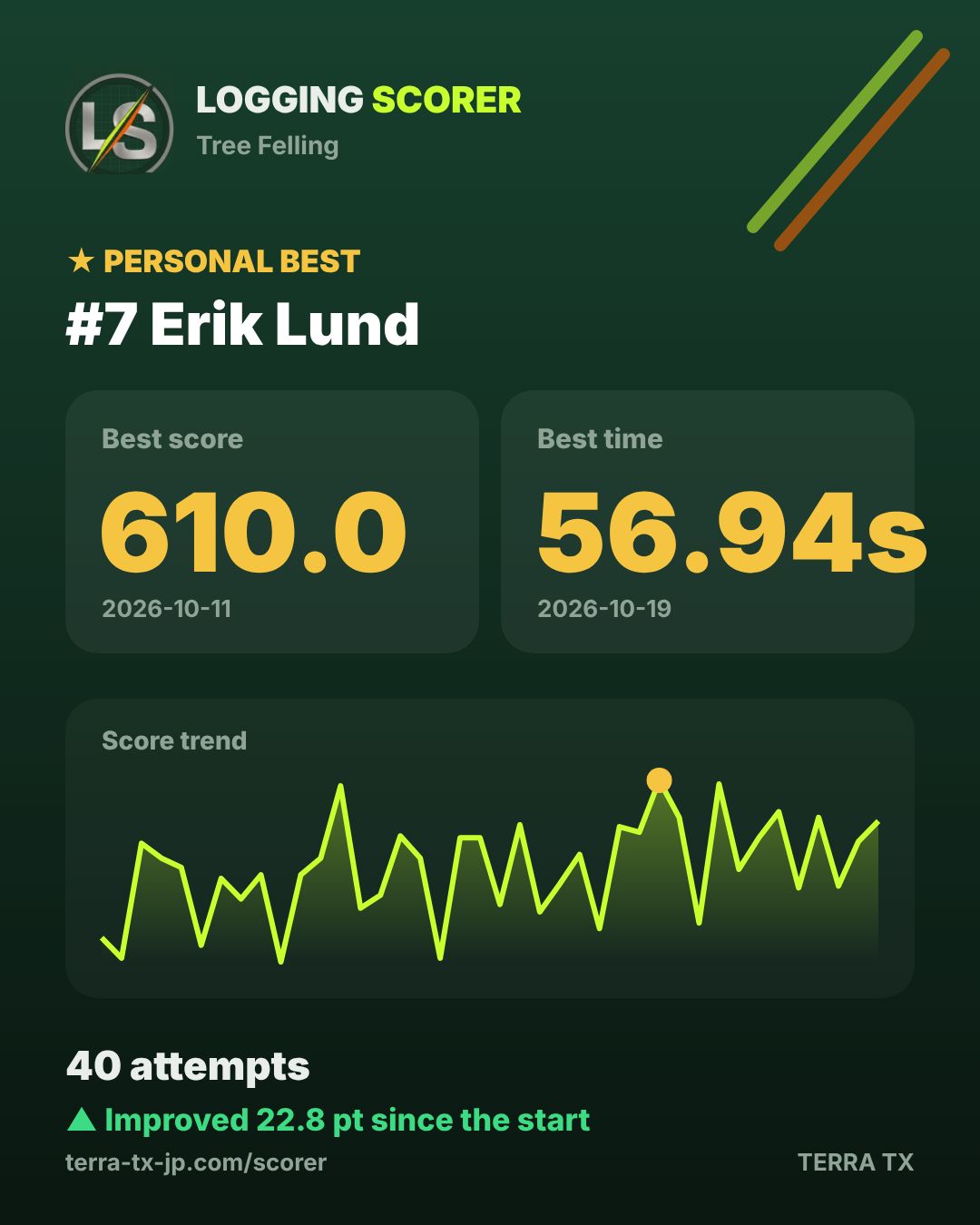
Training data and analysis for each athlete
More than a scorer: a training log and analysis tool for athletes.
CSV export
Export your records as CSV. The app is available in 20 languages (discipline names in English; German uses the German rulebook terms).
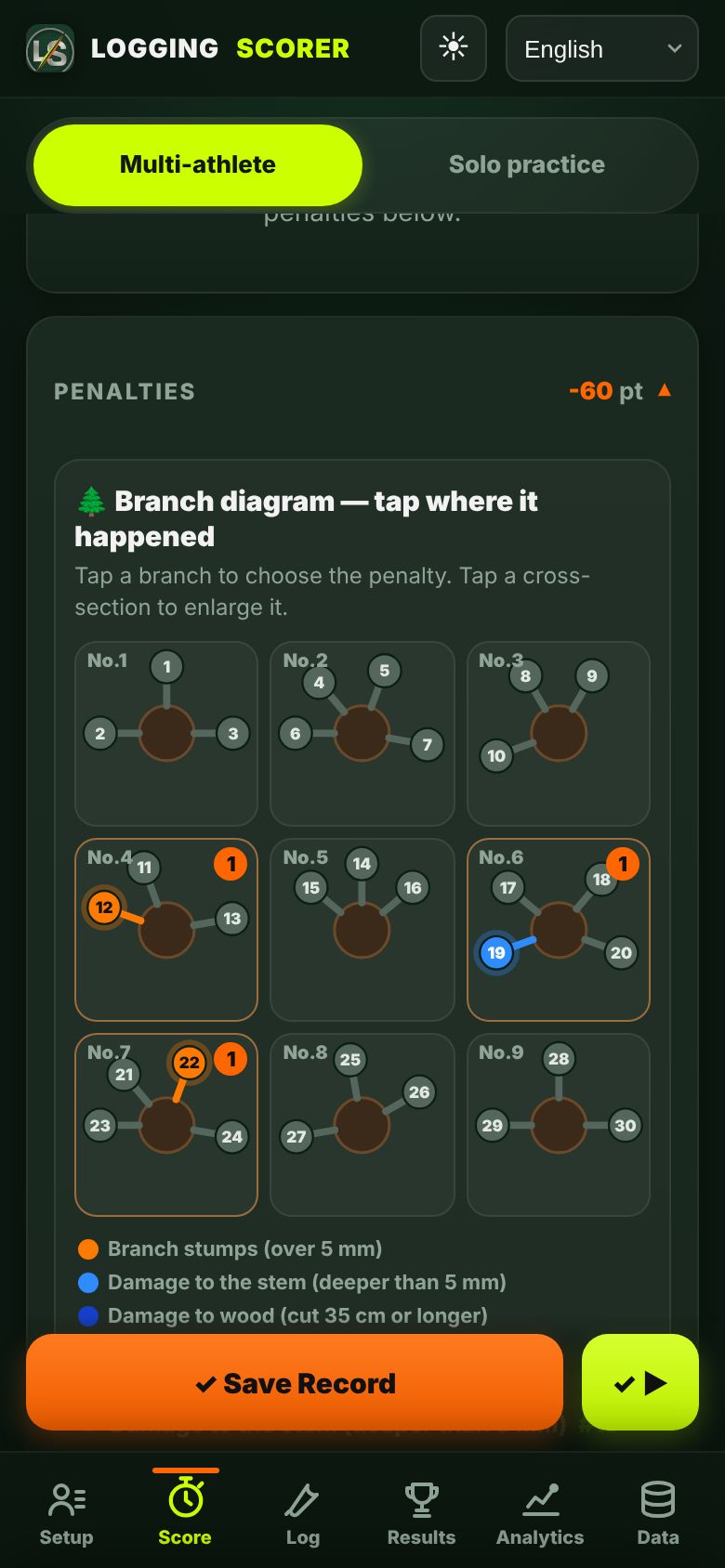
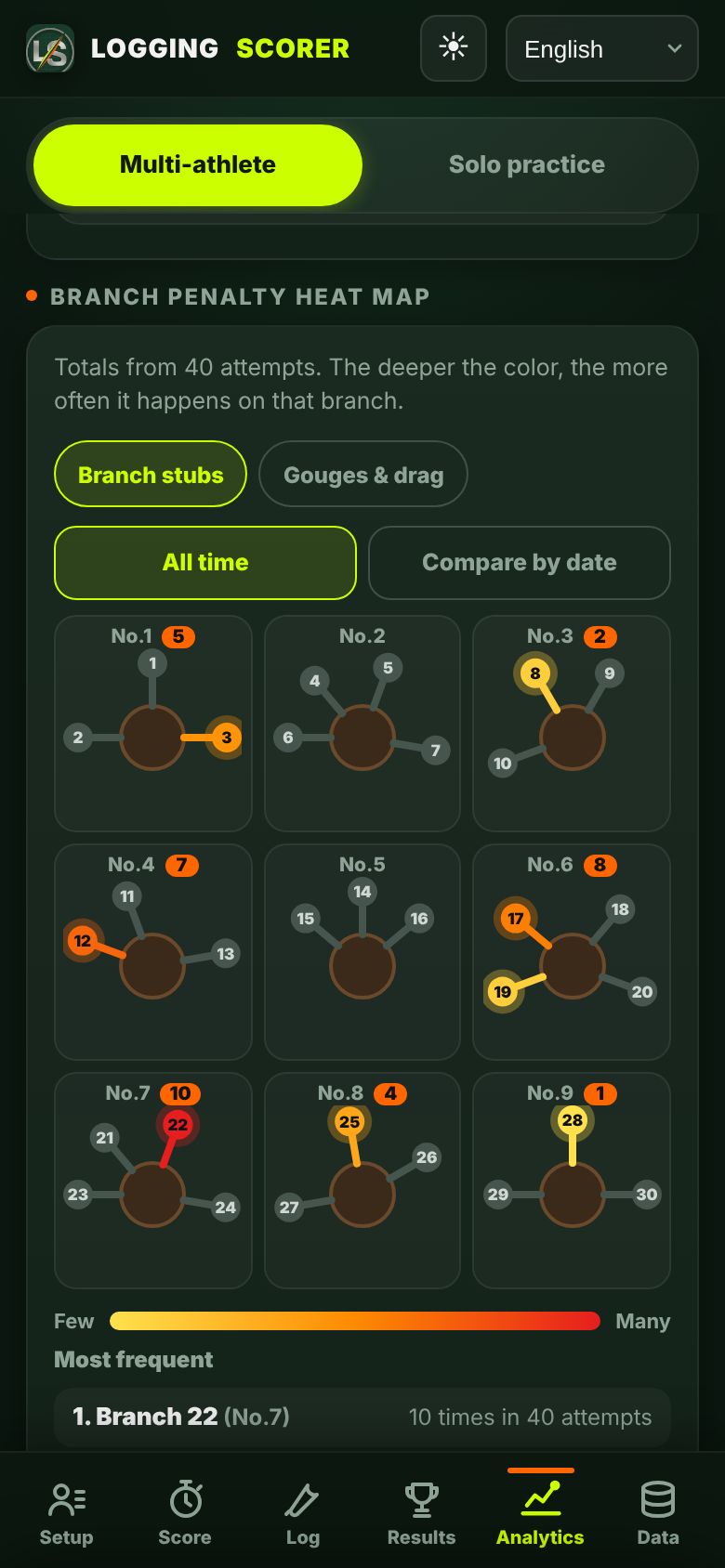
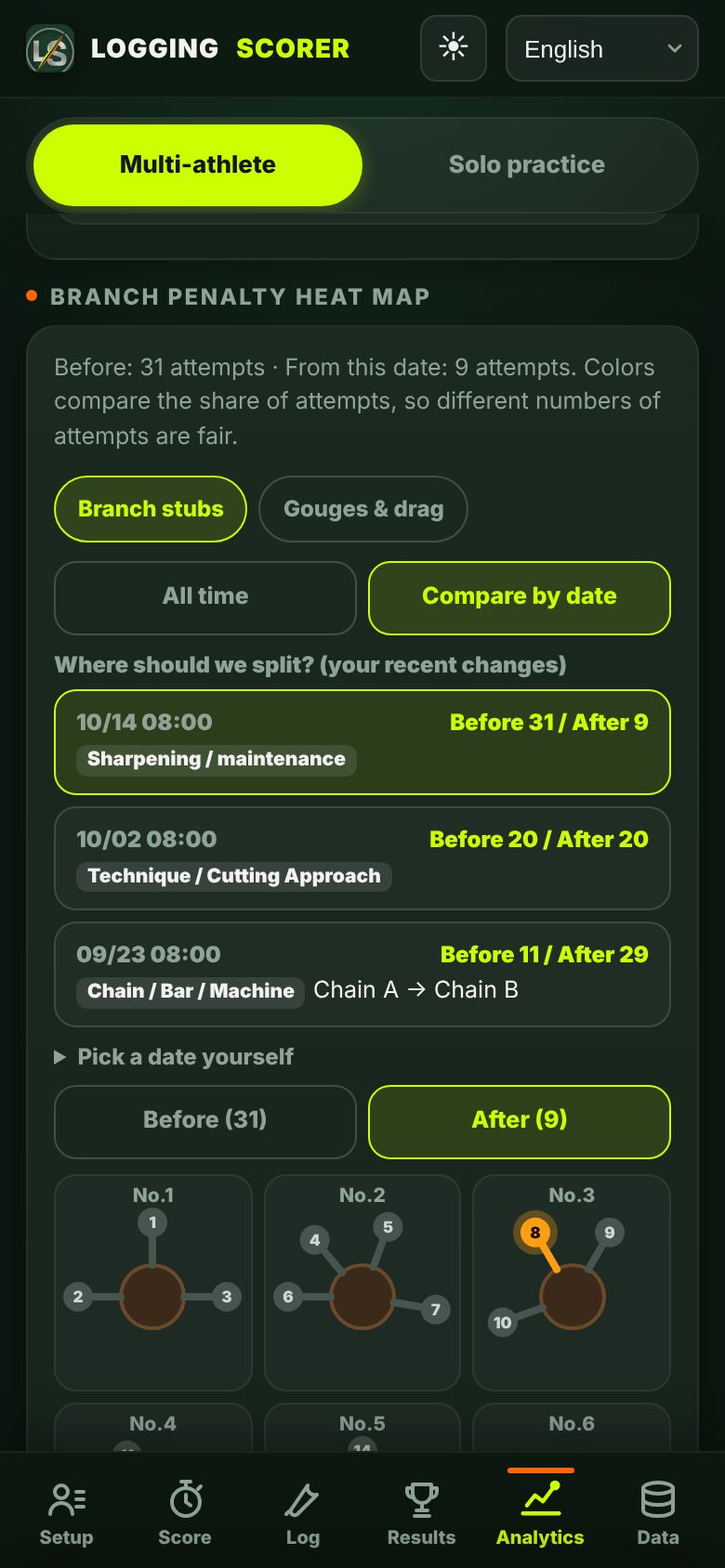
Limbing: record and analyse on the branch diagram
Tap the official branch layout (9 cross-sections, 30 branches) to record penalties. The heat map shows your weak branches at a glance, and you can compare before and after a change in technique.
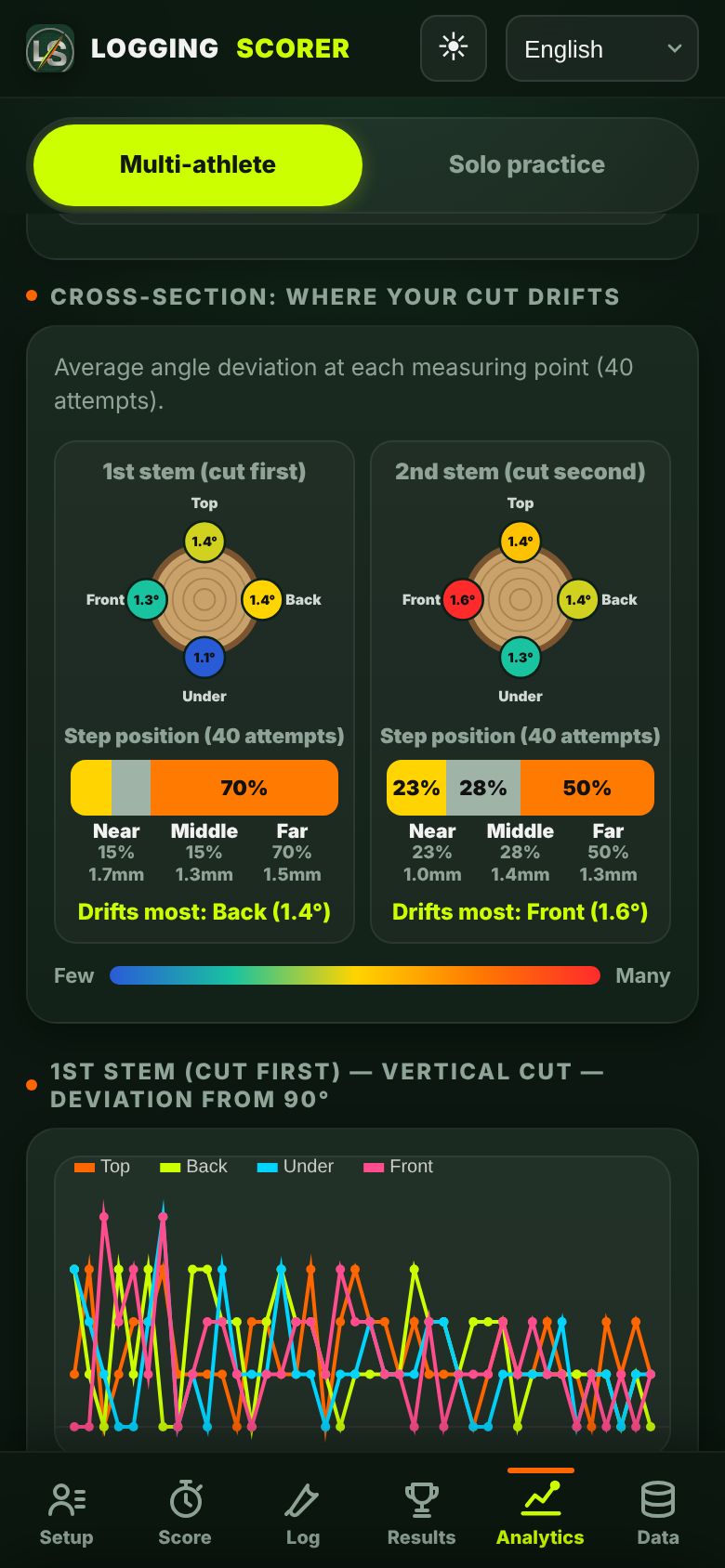
Bucking drift on a cross-section
Average angle drift at each measuring point, and whether steps happen near the bar base or at the tip.
For training meets and events: scoreboard and trial order
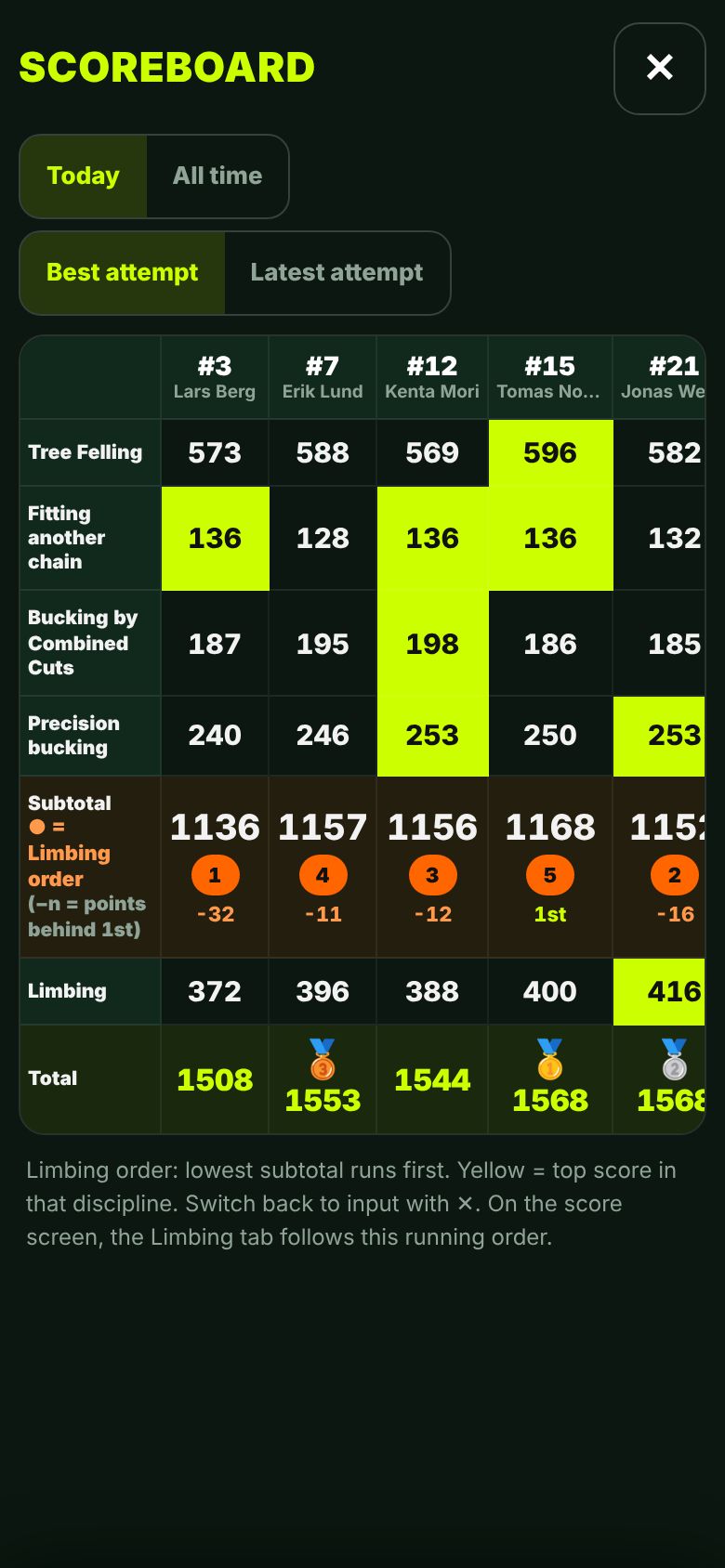
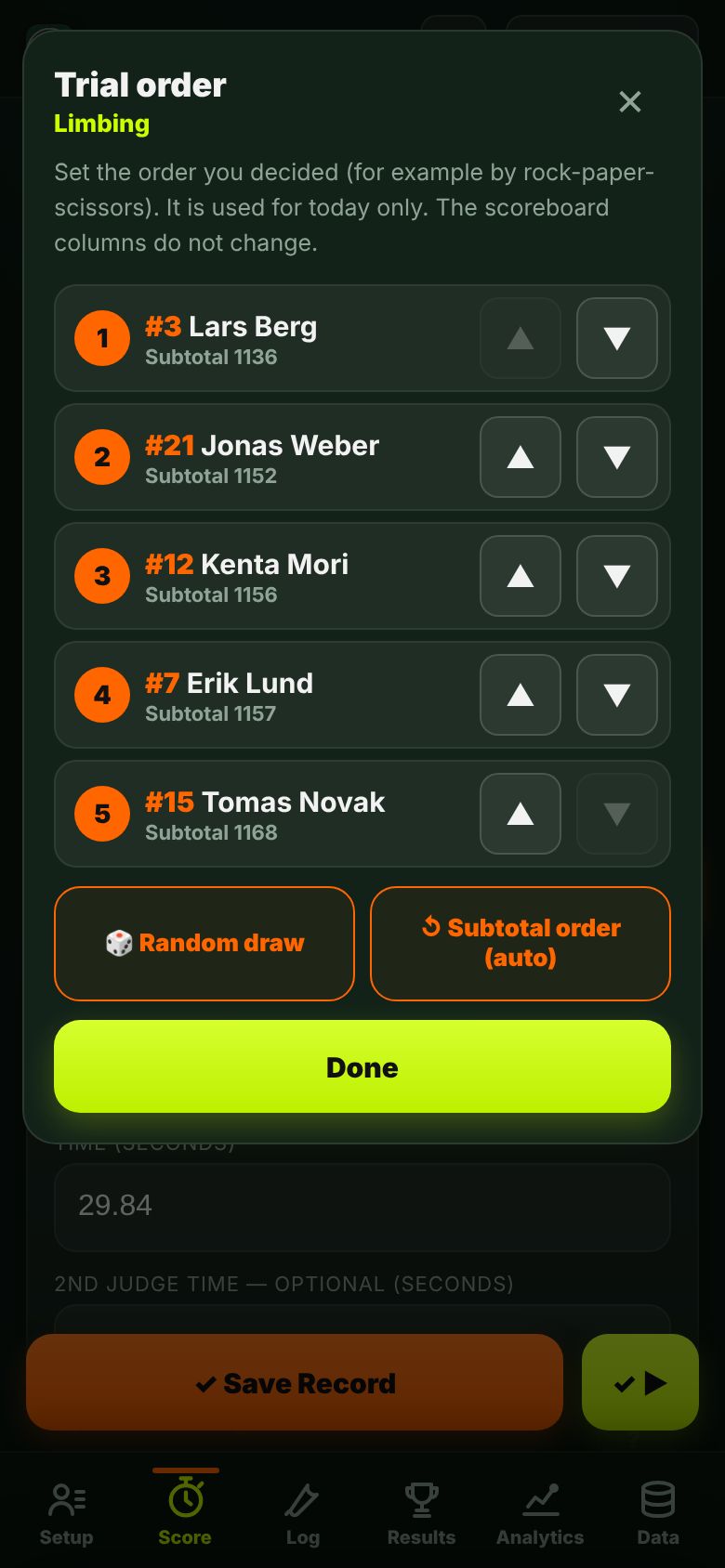
Everyone's scores on one board (top score per event in yellow, medals for the top three). Limbing running order and the gap to 1st are calculated for you, and you can set a trial order decided by rock-paper-scissors.
Chains, bars, gear and sharpening
Log gear and sharpening changes in two taps, and see how they relate to your scores.
Support
Install on your phone
Put the icon on your Home Screen and use it like an app. See the steps above
Contact
Questions or bug reports: support@terra-tx-jp.com
Cancel or manage payment
Cancel your subscription or update your card any time on the billing page (sign in with your purchase email).